Discord
A Discord bot for your game servers. Nothing to host.
Connect your Discord server from HaruHost and choose channels. Start servers, see who is playing, kick and ban players, give roles, manage mods, relay game chat and post live server messages, without hosting or coding a bot. The bot and Discord Chat come with the paid plans.
Five Discord features
| Feature | What it does |
|---|---|
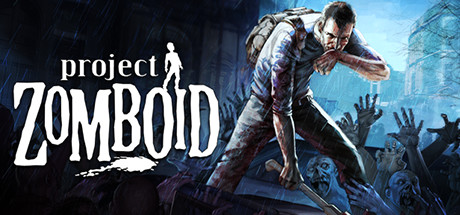
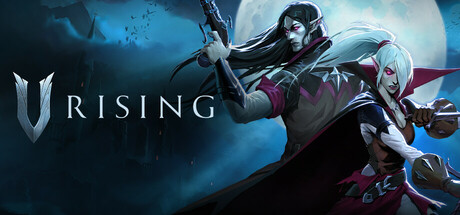
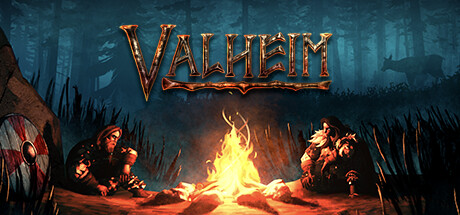
| Discord Chat Paid | Chat flows both ways between a Discord channel and the game, and can be shared between your servers on any of your machines. ARK: Survival Ascended, Palworld, Project Zomboid, Valheim and V Rising |
| Discord bot Paid | Start, stop, restart, update and shut down servers; see players and playtime; kick, ban and give roles; manage mods and modpacks. Server commands for every game; player, moderation and mod commands where the game supports them |
| Server Info | A live message with status, address and password. Every game |
| Player Activity | A live player list with recent joins and leaves, plus level-ups and skill-ups where the game has them. Games with named players |
| Device Info | A live message with your machine's usage. Every machine |

Toke joined Viking Saturdays · 7 / 10 online
/player playtimeRagnhild has played 41h 12m on Viking Saturdays.
Bot commands Paid
You decide command by command which ones each permission profile may use.
Servers
/server listList your servers and their status/server startStart a server/server stopStop a server/server restartRestart a server/server updateUpdate a server/server shutdownShut a server down gracefullyPlayers
/player listPlayers on a server, online first/player countPlayers on one or all servers/player infoDetails for one player/player playtimeA player's tracked playtime/player historyA player's recent joinsModeration
/player kickDisconnect an online player/player banBan a player, permanently or for a length such as 3d where the game allows it/player unbanRemove a player's ban/player ban-listEveryone banned on a server/player role-addGive a player a role, such as Admin/player role-removeRemove a role from a playerMods
/mod listMods on a server/mod addAdd a mod/mod add-by-idAdd a mod by its ID/mod removeRemove a mod/mod enableTurn on mods for a server/mod disableTurn off mods for a server/mod passive-addAdd an ARK: Survival Ascended passive mod, also by ID/mod passive-removeRemove a passive mod/mod passive-listPassive mods on a server/mod modpack-addAdd a Minecraft modpack, also by its Modrinth ID/mod modpack-removeRemove a modpack/mod modpack-listModpacks on a serverDiscord Chat by game Paid
Game chat appears in a Discord channel, and messages from Discord appear in game. 5 games.


Compared with a bot you host yourself
| Single-game bot you host | HaruHost | |
|---|---|---|
| Setup | Create a bot, host it, configure it | Connect Discord and choose channels |
| Games | Usually one | Server commands for all 43; player lists for 16 and player counts for 4 more |
| Starting servers | Needs access to the machine | Built in |
| Chat relay | Varies | 5 games, both ways |
Discord questions
Do I need to host or code a bot?
No. Connect your Discord server from HaruHost and choose channels. There is nothing to install or keep running.
Which games support Discord Chat?
5 games: ARK: Survival Ascended, Palworld, Project Zomboid, V Rising and Valheim. The bot's server commands work for every game.
Who can use the bot's commands?
You decide command by command which ones each permission profile may use.
Is the Discord bot included?
Yes. The Discord bot and Discord Chat come with every paid plan, for one Discord server.
The complete community suite, one command away.
One command on an Ubuntu VPS, or an installer on Windows. One plan for every server you run, from €4.99 a month.