


General
Ark Survival Ascended
Ark Survival Ascended Server Guides
Install or import your Ark Survival Ascended server in HaruHostGSM, connect players, and configure maps, mods, and settings with Auto Config or Manual Config.
Read GuideBrowse Ark Survival Ascended guides for setup, networking, troubleshooting, and server management with HaruHost.
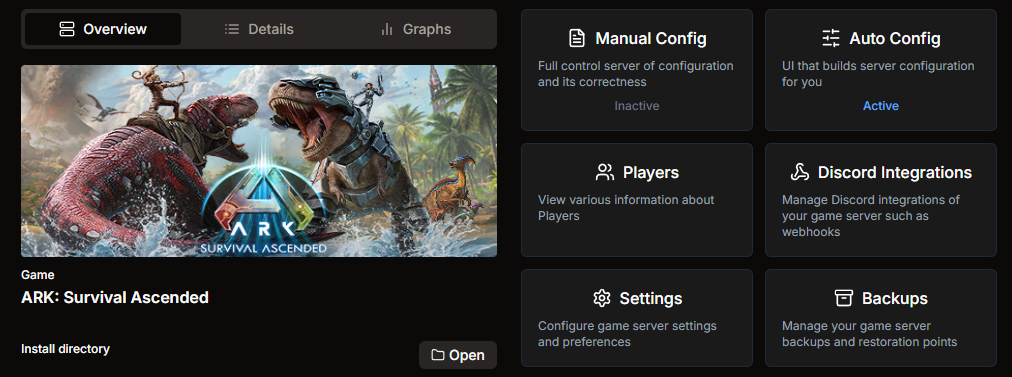
Install or import your Ark Survival Ascended server in HaruHostGSM, connect players, and configure maps, mods, and settings with Auto Config or Manual Config.
Read GuideInstall an Ark Survival Ascended dedicated server with HaruHost the easy way. Create the server, choose a directory, install now or later, and monitor SteamCMD.
Read GuideImport an Ark Survival Ascended server into HaruHost by choosing the game, pointing at your install folder, and confirming the wizard success status.
Read GuideExplore HaruHost configuration options for Ark Survival Ascended servers, comparing Auto Config convenience with flexible Manual Config access.
Read GuideUse HaruHost Auto Config to manage Ark Survival Ascended servers with validated settings, shared presets, and automated network setup.
Read GuideSet automatic restart for your Ark Survival Ascended dedicated server in HaruHost to reduce downtime and keep players connected.
Read GuideLearn how to restart your Ark Survival Ascended dedicated server in HaruHost and verify connection health after restart.
Read GuideHow to connect to your own ARK: Survival Ascended server with HaruHost using Tunnel, the lobby title, and the correct browser filters.
Read Guide