

Minecraft Bedrock Server Manager
Run a self-hosted Minecraft - Bedrock Edition server with a clearer join path. HaruHost helps you make Bedrock reachable with Tunnel, then gives players the exact IP, port, and version match guidance they need.
Pick the Minecraft Bedrock path you need first
Start here if your main job is getting yourself or friends into the server with the exact IP, port, and Bedrock version HaruHost expects.
Use this path when the server works locally but internet joins fail, or when you want the easiest route around awkward home-network setups.
Open the Bedrock guides hub for the current connection documentation and future maintenance guides as they are added.
Start with the Bedrock problem you need to solve
The strongest HaruHost story for Minecraft Bedrock is not generic hosting language. It is a clearer version-aware join workflow, an easier Tunnel path for home networks, and the core maintenance tools you need once the server is live.
Connect to Your Own Minecraft Bedrock Server Without Version Guesswork
The real Bedrock flow in HaruHost starts from the server overview, opens How to connect, handles tunnel preparation inside the guide, then walks operators through the launcher version check, the Servers tab, Add Server, and the exact address and port entry Bedrock expects.
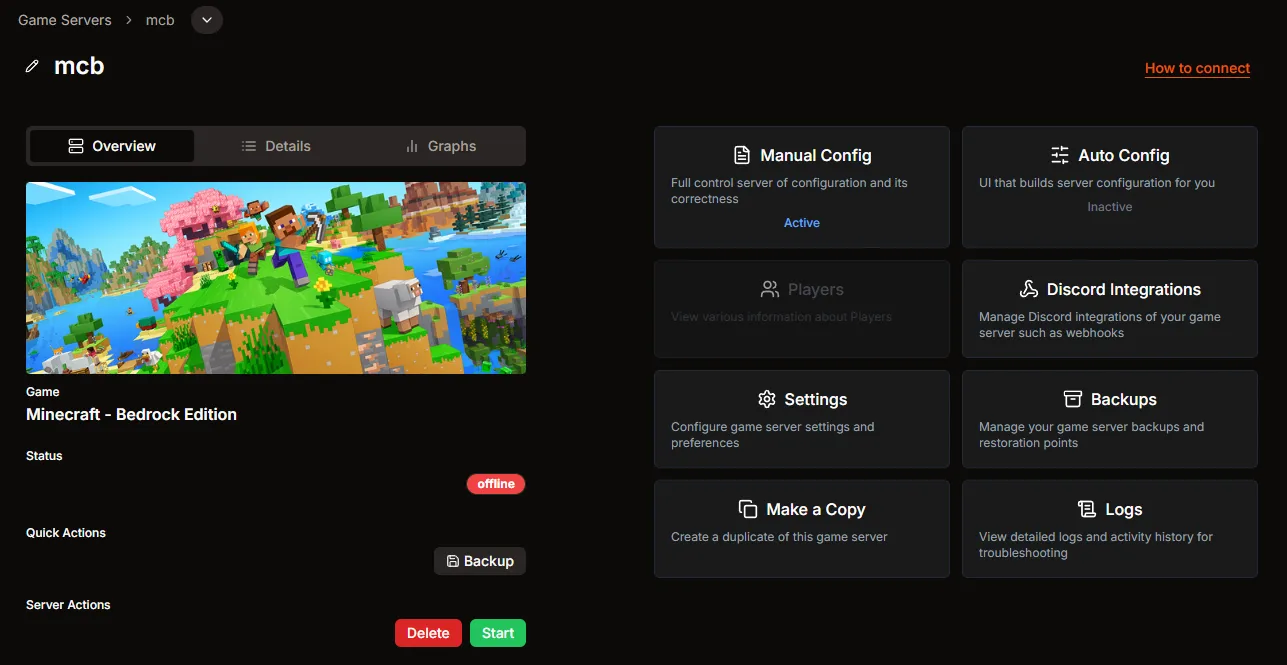
Start from the Bedrock server overview in HaruHost, where the How to connect entry takes the operator into the exact connection workflow for this server.
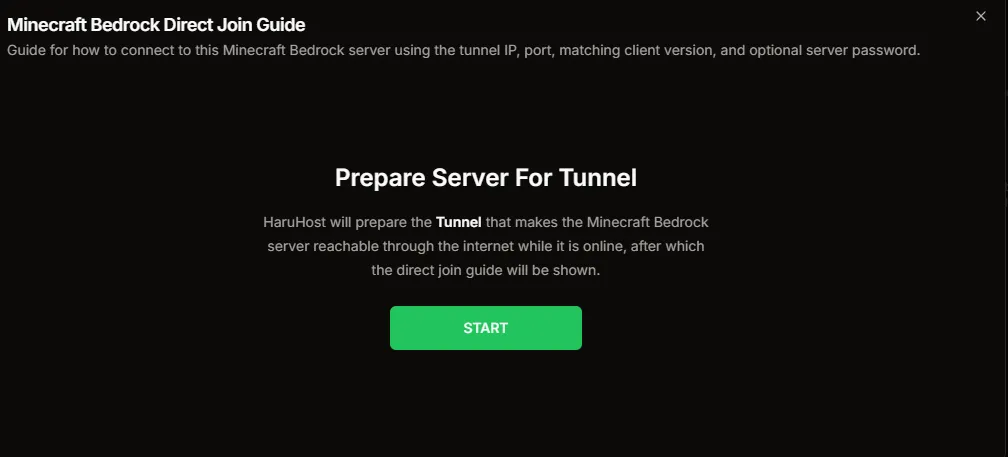
If the server still needs connection prep, HaruHost handles Tunnel setup directly inside the Bedrock guide instead of sending the operator into unrelated settings first.
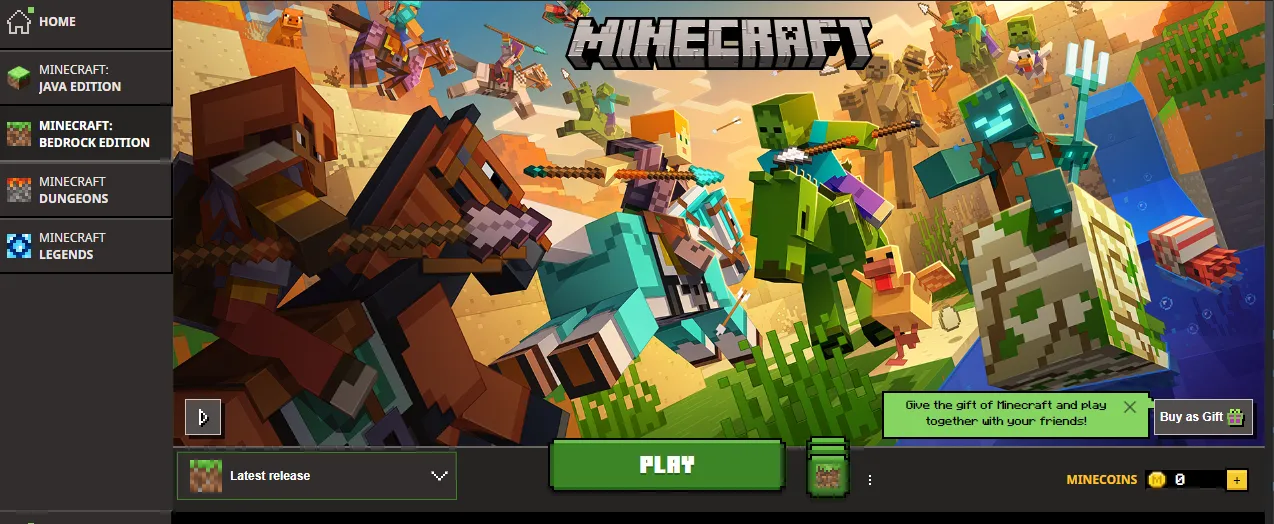
The Bedrock launcher is part of the connection story. Players need the launcher release to match the HaruHost server branch before they press Play.
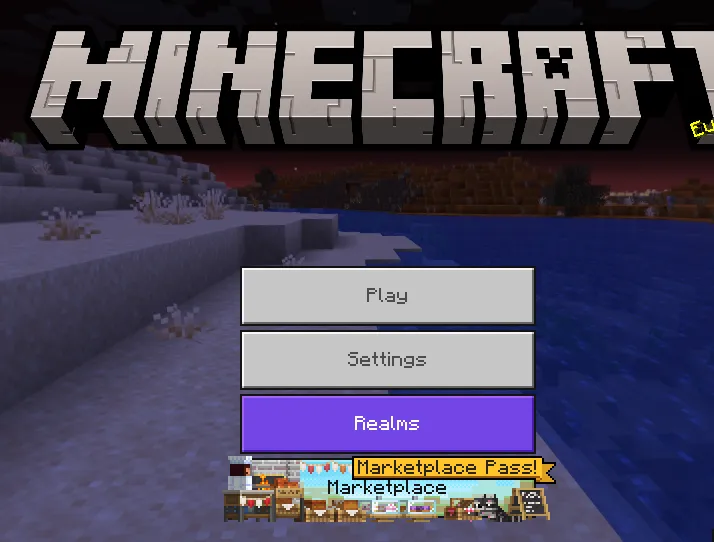
Once Bedrock is open, the player-side flow begins at Play before the server list and Add Server steps.
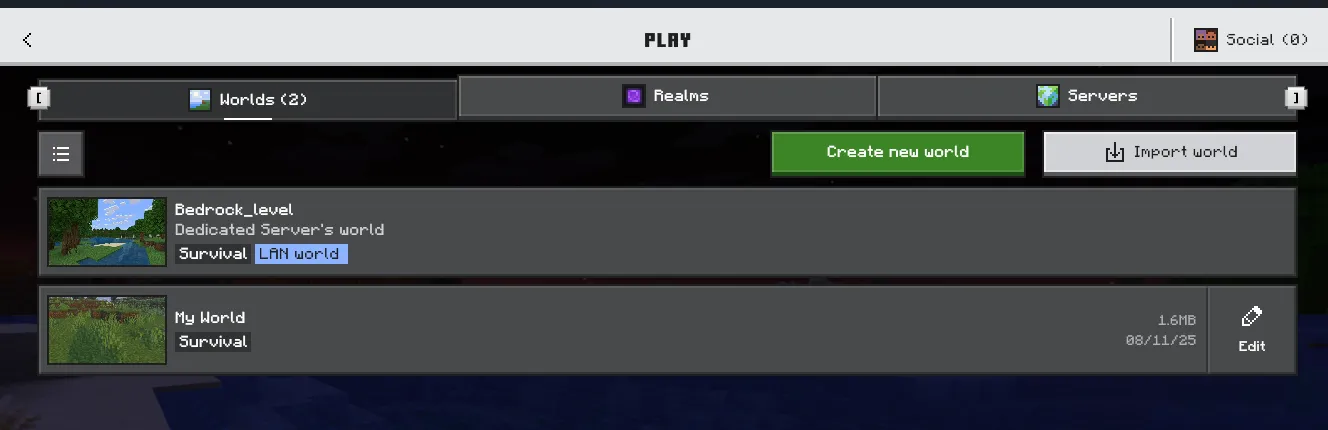
The full Play screen gives players orientation first so they do not get lost between Worlds, Realms, and Servers.

The next move is explicit: switch to Servers before trying to add the HaruHost Bedrock server.

Bedrock uses Add Server as the saved-entry path, so HaruHost centers the workflow on that exact UI.
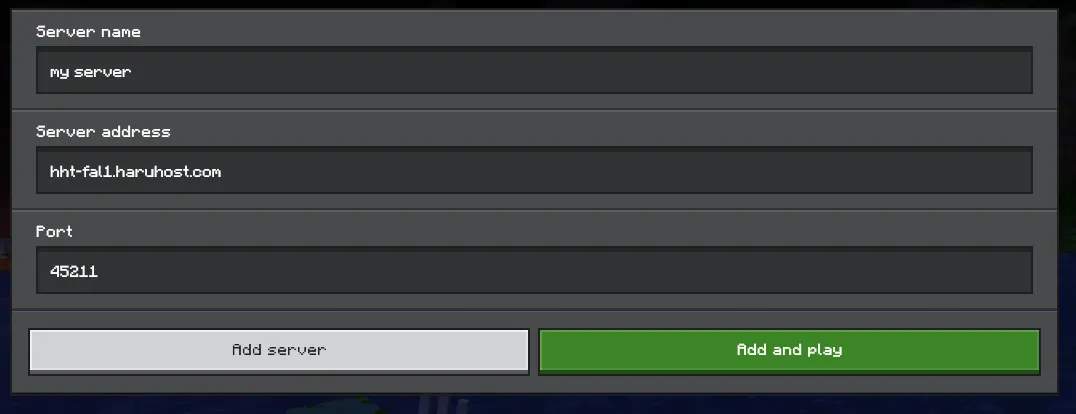
The HaruHost guide gives the exact server address and port Bedrock needs in its Add External Server dialog, without mixing local and internet values together.
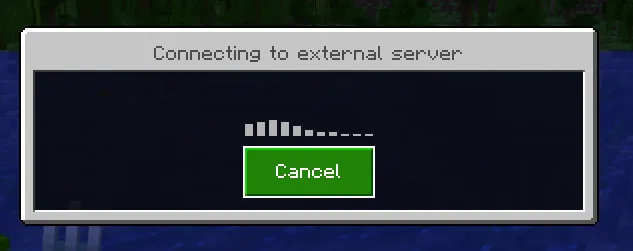
Once the address, port, and version match line up, Bedrock moves into the external server connection screen.
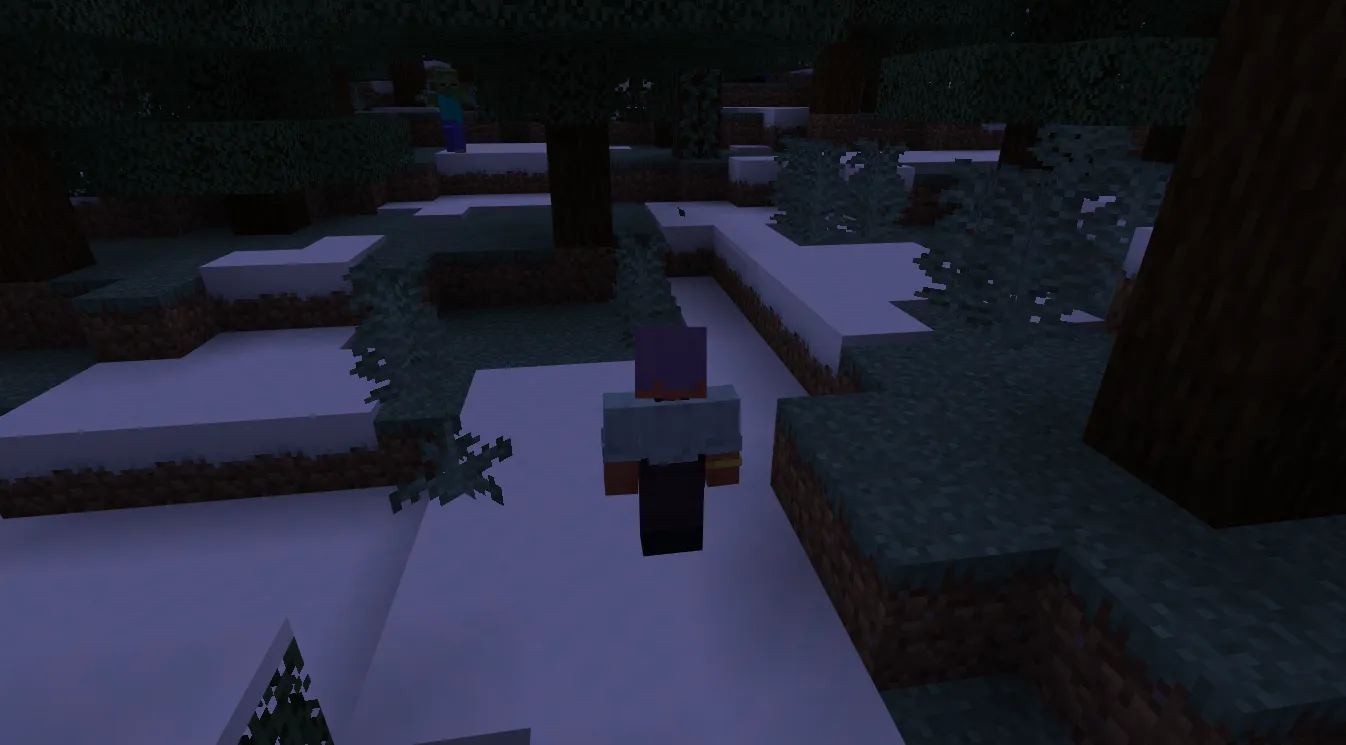
The end goal is simple: make the server reachable, match the Bedrock version, use the exact HaruHost values, and load into the world cleanly.
Make Minecraft Bedrock Reachable Without Router Guesswork
HaruHost Tunnel is the cleanest answer when you want Minecraft Bedrock to be reachable outside your LAN without relying on manual router changes, fragile network assumptions, or the wrong type of public address for the game.
- ✓ A better fit for home networks where direct Bedrock reachability is awkward
- ✓ Useful when CGNAT or ISP and network limitations make normal exposure unreliable
- ✓ Keeps the connection story centered on the exact address and port players should actually use

Use Network Helpers Instead of Troubleshooting Blind
When Bedrock needs more than a copied address, HaruHost keeps firewall and reachability helpers close so the operator can validate the network path instead of guessing which rule is wrong.
- ✓ Create Windows Firewall rules for the right Bedrock ports
- ✓ Keep network troubleshooting tied to the game server instead of generic OS steps
- ✓ Use the How to Connect flow and network helpers together when the problem is still reachability
Protect Bedrock Worlds With Backups
Bedrock world files are too easy to risk if you rely on ad-hoc copies. HaruHost keeps backup tasks, retention, and restore-oriented workflows close to the server itself.
- ✓ Back up world data on a schedule instead of only before emergencies
- ✓ Keep retention rules close to the same Bedrock server workflow
- ✓ Use backups as part of normal admin hygiene before bigger changes
HaruHost Features for Minecraft Bedrock
- How to Connect
Use a guided Bedrock-specific join flow that explains the exact IP, port, and version match requirement instead of leaving players to troubleshoot a failed connection blind.
- Tunnel
Use HaruHost Tunnel when Bedrock needs to be reachable over the internet but normal port forwarding is awkward, unavailable, or blocked by CGNAT and similar home-network problems.
- Network Helpers
Use HaruHost network helpers to configure ports, firewall rules, and basic reachability checks when Bedrock needs more than a copied address and port.
- Version-aware setup
HaruHost keeps the server branch visible so operators can match the Bedrock launcher version before players try to join and hit avoidable version mismatch errors.
- Player Count and Server Details
Keep Bedrock connection details and server state visible in HaruHost, including the player count operators care about when they are checking whether the server is live and populated.
- Console, Backups, and Force Save
Use HaruHost console input for routine Bedrock admin work, keep world data backed up, and run force-save-aware maintenance workflows so recovery is easier when something goes wrong.
Ready to manage your Minecraft - Bedrock Edition server on Windows?
Download HaruHost to make Bedrock easier to host, easier to reach, and easier to troubleshoot from a modern Windows app with optional remote access.
No credit card required for free features. Instant download.